
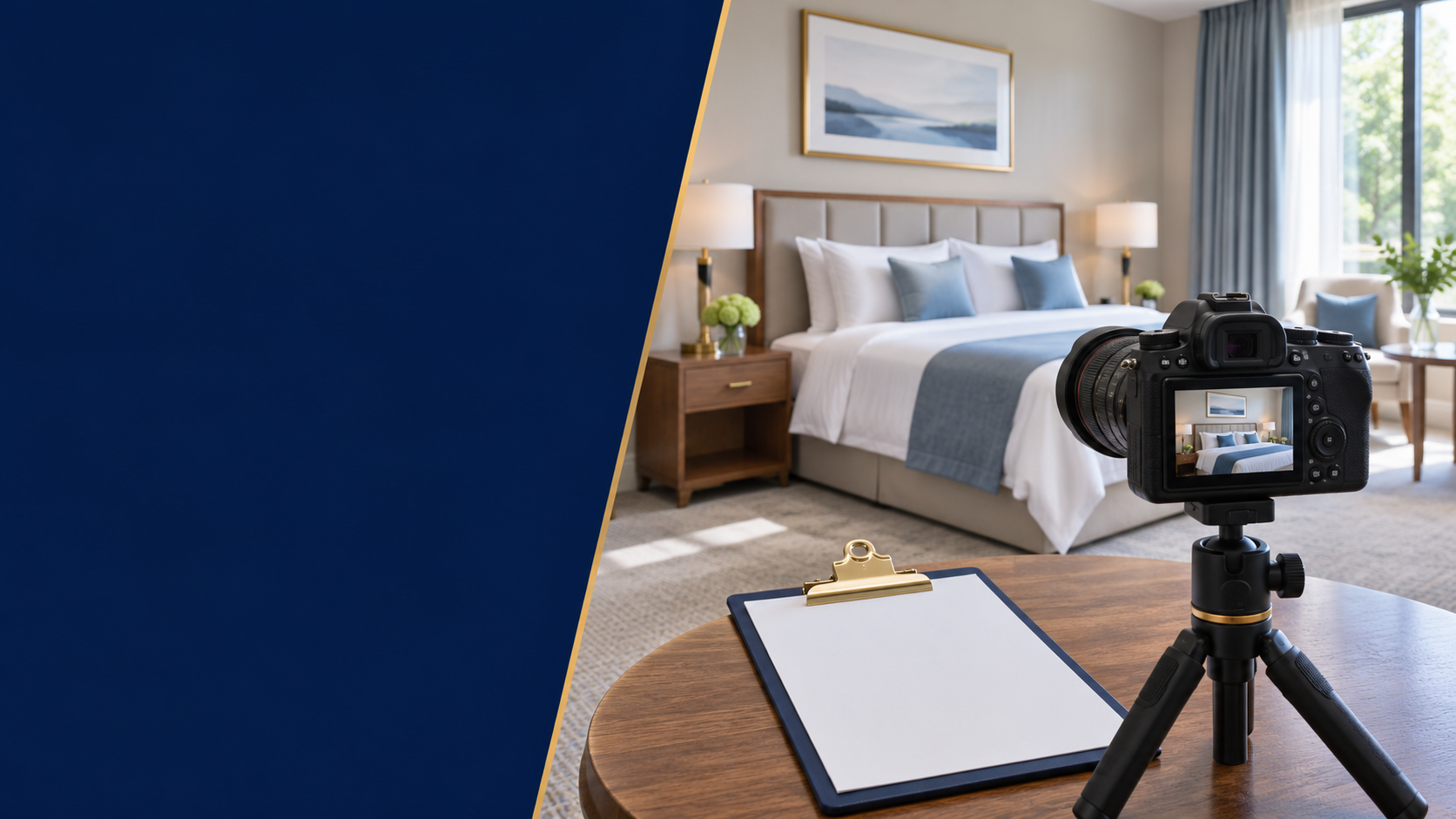
A useful hotel photography brief tells the photographer what a guest needs to understand before booking each room type. Attractive images matter, but a beautiful set can still leave the hotel without a clear bathroom photo, an accurate bed arrangement or a usable image of a less distinctive room category.
The owner’s task is to define coverage and truthfulness before discussing styling. The photographer can then plan how to show those facts well.
Before booking the shoot
List every room type that is actually sold.
Match each required photo to a guest question.
Record meaningful differences and limitations.
Agree who approves accuracy and who assigns images to listings.
This is an owner’s preparation and acceptance checklist, not a camera-settings tutorial or a promise that a particular number of images will improve rankings.
Begin with the room inventory
List the room categories shown in your booking system. For each, record the bed arrangement, bathroom arrangement, view or window differences and the features that are actually included. Ask the operations team to confirm that the selected room represents the category being sold.
If rooms within a category differ materially, decide how to explain that difference. Do not photograph only the most spacious example and silently use it to represent a different layout. A room with a shared bathroom needs a different explanation from an en-suite room; a bed sold individually needs a different visual context from a whole private room.
The brief should use the same category names or internal references as the person uploading the images. Otherwise, an excellent shoot can still end with the wrong photograph attached to a room.
Build a coverage matrix, not a folder of ideas
Use a row for each category and tick the evidence needed. The following is a planning tool rather than a platform minimum:
| Area or subject | Guest question it should answer | Accuracy check |
|---|---|---|
| Room overview | What space am I booking? | Layout belongs to this category |
| Beds and usable space | How is the room arranged? | Bed setup matches the offer |
| Bathroom | Is it private or shared, and what is there? | Photo and wording agree |
| Window or view | What outlook can I expect? | Do not imply all rooms have this view |
| Practical features | Where can I work or place belongings? | Show items normally available |
| Access and shared areas | How do I reach and use the space? | Do not hide material limitations |
Add relevant property-level photographs, such as the entrance and shared facilities, separately. A lobby image should not be used to fill a missing room-type requirement simply because it is attractive.
Platform organisation also matters. Agoda’s photo-management guide distinguishes property photos from room photos and explains tagging and main-photo selection. Check the current requirements of each channel you use; do not assume one export or one folder arrangement serves every destination.
Show limitations clearly without making the shoot an inspection report
Ask what a guest might reasonably misunderstand. A staircase-only route, shared bathroom, limited window or different bed configuration may need a clear image and supporting description. Do not imply an accessibility feature merely because a photograph looks spacious. Where a precise specification is needed, verify it separately.
The aim is a coherent account of the product. You do not need an unflattering photograph of every corner, but neither should framing remove a material fact that determines whether a room suits the guest.
A useful review question is: “Would someone who booked from these images recognise the room they receive?” If the answer depends on an explanation hidden elsewhere, improve the image assignment or description.
Prepare rooms to the standard guests will receive
Set a room-readiness checklist for the day: cleaning complete, linen arranged, maintenance issues resolved or clearly excluded from the shoot, equipment present and lighting working. Tell the team which rooms must remain available to the photographer and how operational changes will be communicated.
Style within the real offer. A temporary decorative item can change the impression of what is included, so decide how it will be treated before it appears in every hero image. Avoid adding a service setup that guests cannot actually receive under the advertised room offer.
Protect guests and staff during the shoot. Plan access so private belongings, documents and screens are not captured. If people are part of the creative concept, settle the required permissions and usage arrangements before shooting rather than discovering the gap during publication.
Agree deliverables before the camera arrives
The brief should state the intended uses: website, booking channels, social media or printed materials. Ask the photographer to confirm the agreed deliverables and permitted uses. The right arrangement depends on the agreement; do not assume payment automatically grants every possible use.
Record:
- The room categories and spaces included in the job.
- The coverage matrix and any exclusions.
- Required orientations and formats based on the actual destinations.
- Original and edited file delivery arrangements.
- How corrections will be requested and approved.
- Usage permission records and who holds them.
- Who checks room accuracy before final acceptance.
Avoid copying a universal pixel or file-size rule from an old checklist. Check the current destination requirements before exporting, while keeping a suitable master file for future versions.
Review accuracy before choosing the strongest cover image
Separate the review into two questions. First, does the image represent the right product accurately? Second, is it clear and suitable for its intended placement?
Check whether editing changed a material feature, the apparent view or the room’s contents. Keep real property listing photographs distinct from illustrative marketing graphics. An AI illustration can be labelled as an illustration in an educational article, but it should not stand in for a real hotel room on a booking listing.
Then review the image at the actual size guests will see, including a phone screen. A crop that works on a desktop may remove the bed or the feature the photograph was meant to show. Text overlays can also become unreadable; do not rely on them to communicate essential room facts.
Handover is complete when the right image reaches the right room
Use an asset register with file name, property, room category, subject, shoot date, approval status, usage reference and destinations. Keep a reason for replacing or retiring an old image.
After upload, check the guest-facing page. Confirm room assignment, image order, crop and any descriptive text. Keep unresolved items open rather than treating a successful upload as a completed listing update.
After renovation or a changed room setup, use the register to find outdated images across destinations. Retain internal history if needed, but prevent superseded images from continuing to represent the current offer.
If this work is part of an opening, connect it with the small-hotel pre-opening checklist, so the shoot, accuracy approval and channel upload have separate owners and deadlines.
Common questions
Do I need to photograph every physical room?
Start with every room type and the meaningful differences within it. The required coverage depends on how rooms are sold and how much they differ. Do not assume one representative room is adequate without checking.
Can I use the same images everywhere?
The underlying photograph may be reusable where permission allows, but assignment, crops and technical requirements can differ. Verify each destination rather than assuming an upload is identical everywhere.
Should the cover image always be the best-looking room?
It should be compelling and representative of the offer it introduces. A premium category presented without context can create the wrong expectation for another room.
Next step: Contact LINE OA @kines if you need to discuss the operating work around room information, photography preparation and channel updates. Describe what is already available and what still needs an owner.
Prepared by: Kines editorial team. Basis: Kines’ room-information structure and pre-opening checklist call for accurate room descriptions and photography. The coverage matrix and acceptance workflow are editorial tools; platform-specific organisation is referenced to Agoda’s own guide.