
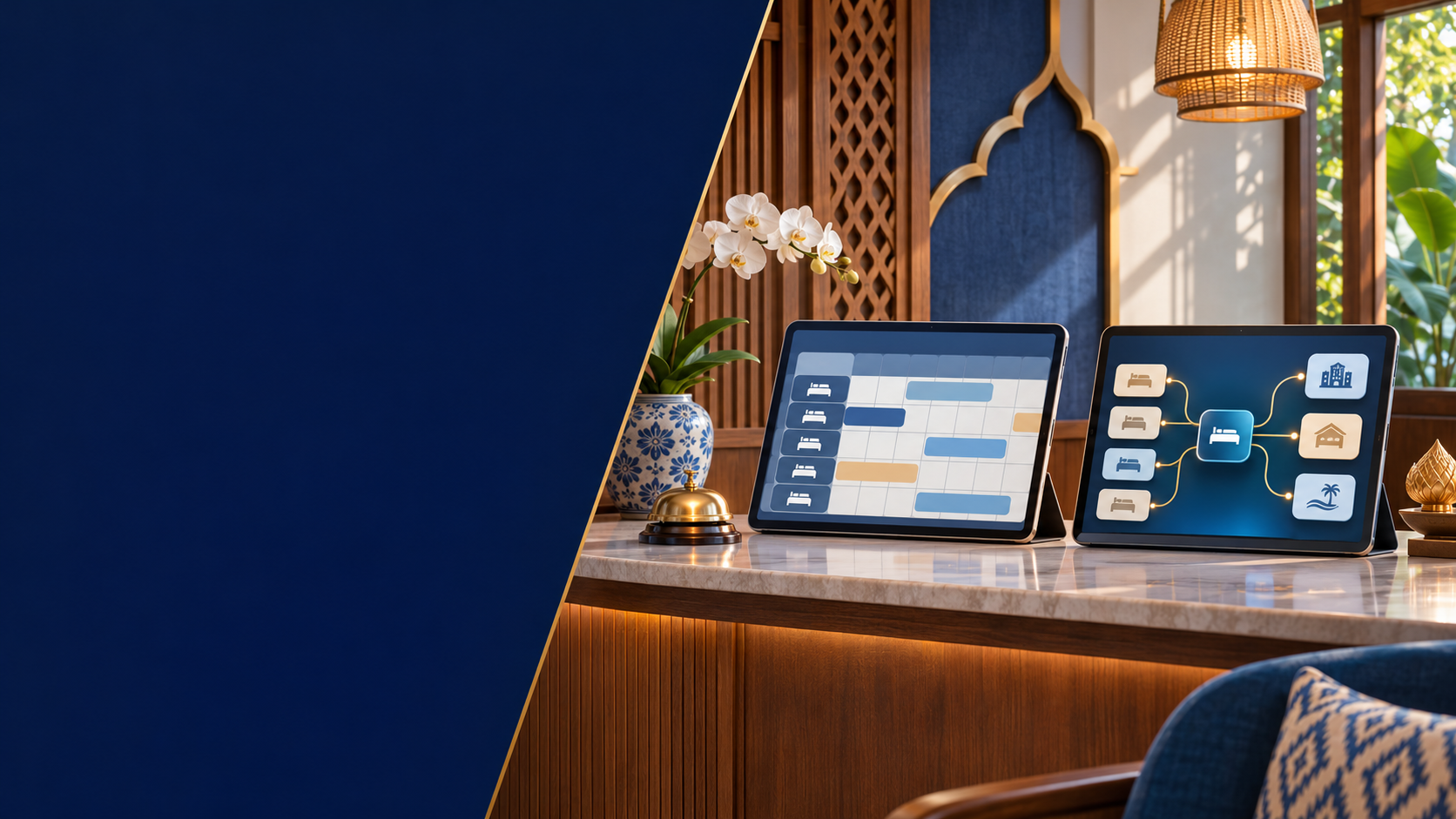
A PMS helps organise the hotel’s operating records; a channel manager connects room distribution across sales channels. A booking engine serves another purpose: enabling guests to make a direct online reservation. Some products combine these functions, so the useful question is what your chosen setup actually does, not how many product names appear in the proposal.
Little Hotelier’s explanation distinguishes day-to-day PMS tasks from the channel manager’s distribution role. The workflow below is an owner’s evaluation tool, not a recommendation of a particular subscription or a guarantee that integrations work identically.
Before a software demonstration
List where your bookings arrive today.
Identify the record your team relies on for room availability.
Map who enters direct bookings and changes.
Prepare normal cases and exceptions to demonstrate safely.
Separate the three jobs
| Job | What the owner needs to establish |
|---|---|
| Property operations | Where the team manages the reservation record and the stay |
| Channel distribution | How availability, rates and supported reservation updates pass between connected channels |
| Direct online booking | Where a guest selects a stay and submits a booking through the hotel’s own online route |
The boundaries vary by product. Ask the provider to identify included modules and integrations in the actual plan being quoted. A feature shown elsewhere on a vendor website may not be included in your setup.
Kines’ operating knowledge base includes PMS and channel-management tools alongside property information and reporting. That does not make software a substitute for clear operating responsibility: someone still needs to check exceptions and maintain the underlying room setup.
Draw one booking from entry to departure
Use an ordinary reservation as a starting point. Write the steps in plain language:
Guest books → reservation reaches the working record → availability is updated → staff prepare the stay → changes are recorded → the stay is completed and reconciled.
For each arrow, ask three questions: what data moves, how the team knows it arrived, and who acts if it does not. Keep a distinction between a notification email and a confirmed record in the operational system. Seeing one does not automatically prove the other has been updated correctly.
Then map a direct booking received by phone or LINE. Which person enters it? At what point does it reduce available inventory? How is the guest informed of confirmation? If this route remains outside the system, adding a channel manager will not by itself create the missing procedure.
Define the units before connecting them
Room mapping connects the products that each system recognises. Start with a room-type list and identify what is sold: an entire room, an apartment or a bed within a shared room. Keep physical rooms and saleable units distinct where relevant.
Use a mapping worksheet:
| Field | Purpose |
|---|---|
| Internal room-type reference | Stable identity in the hotel’s records |
| Saleable unit | Make clear whether the booking is for a room or a bed |
| Channel product reference | Identify the corresponding product on each channel |
| Relevant rate plan | Distinguish offers with different conditions |
| Verified by and date | Record who checked the mapping |
| Unresolved difference | Prevent an uncertain match being treated as ready |
Do not connect two similar names without checking what they represent. Ask the provider how your actual room arrangement is supported, especially when multiple products relate to the same underlying space. Avoid assuming that every integration handles linked inventory in the same way.
Turn feature claims into demonstration questions
A useful demonstration shows your workflow using the provider’s test environment or another agreed safe method. Do not create fake guest reservations on public booking channels simply to see what happens.
| Scenario | What to observe |
|---|---|
| New supported channel booking | Where the reservation appears and how its source is identified |
| Direct reservation entered by staff | Whether the working inventory changes as intended |
| Date or room-type change | Which fields change and which require manual handling |
| Cancellation | How the status and relevant availability are reflected |
| Room unavailable for operational reasons | How staff record it and check the selling effect |
| Integration exception | How the team sees the problem and what it should do next |
Record the result as demonstrated, not simply “yes.” For example, distinguish “provider explained this” from “shown in the agreed test setup.” If a case cannot be demonstrated, put the limitation and follow-up owner in the decision record.
Ask about failures before relying on automation
No workflow should assume that every update succeeds without checking. Ask what happens during an interrupted connection, an unsupported change or a mismatched product. Identify the status or log the team should inspect and the provider’s documented escalation route.
Define a practical fallback with the provider and your operations lead. It should say who checks affected reservations, how uncertainty is recorded and who can decide on temporary selling changes. Do not make multiple people independently edit inventory in several places without an agreed source of control.
The objective is to reduce confusion when something goes wrong, not to promise that overbooking becomes impossible. A room mapping error, an unrecorded direct booking or a failed update still needs an accountable response.
Keep content and money questions separate
A working reservation connection does not establish that photographs, descriptions, messages and every policy field also synchronise. List those requirements separately and ask which ones are supported.
Likewise, booking data is not the same as settled cash. Ask which payment information the setup records, what remains with the payment or distribution provider, and what your accounting process must reconcile. Avoid assuming that a reservation dashboard alone confirms money received.
Before deciding, compare the complete agreed scope: setup, supported channels, training, ongoing support, data access and exit arrangements. Obtain current commercial terms from the provider rather than relying on prices in an old article.
Make adoption an operations task
Assign ownership for room setup, rates, direct reservations, exception monitoring and staff access. These may be different people, but the handovers must be clear.
Before going live, confirm the migration and acceptance plan with the provider. Use controlled checks appropriate to the system, keep a record of unresolved items and ensure staff know the new working record. Do not assume a demonstration is the same as a completed live deployment.
If you are preparing to open, place this work within the small-hotel pre-opening checklist. Room configuration, staff practice and live acceptance are separate tasks with dependencies.
Common questions
Does a small hotel need separate products?
Not necessarily. One service may include several modules. Compare the functions and responsibilities you need, not the number of subscriptions.
Does a channel manager handle every guest message?
Do not assume so. Check the supported messaging channels and the actual plan. Message coverage is a separate question from availability distribution.
Will connecting the systems prevent every booking conflict?
Do not treat it as an absolute guarantee. Correct configuration, recorded direct bookings and a process for failed updates remain important.
Can I learn the workflow before buying software?
Yes. Draw the booking routes and room types first. That makes a course discussion or provider demonstration more specific and helps identify the questions you still need answered.
Next step: Ask LINE OA @kines about learning support that fits your current stage. The admin can confirm course details, dates, format and language. Bring your booking-flow questions rather than passwords or guest records.
Prepared by: Kines editorial team. Basis: Kines’ systems checklist and operating-tool framework; the mapping and demonstration worksheets are editorial planning tools. Product capabilities and commercial terms must be confirmed for the system selected.