
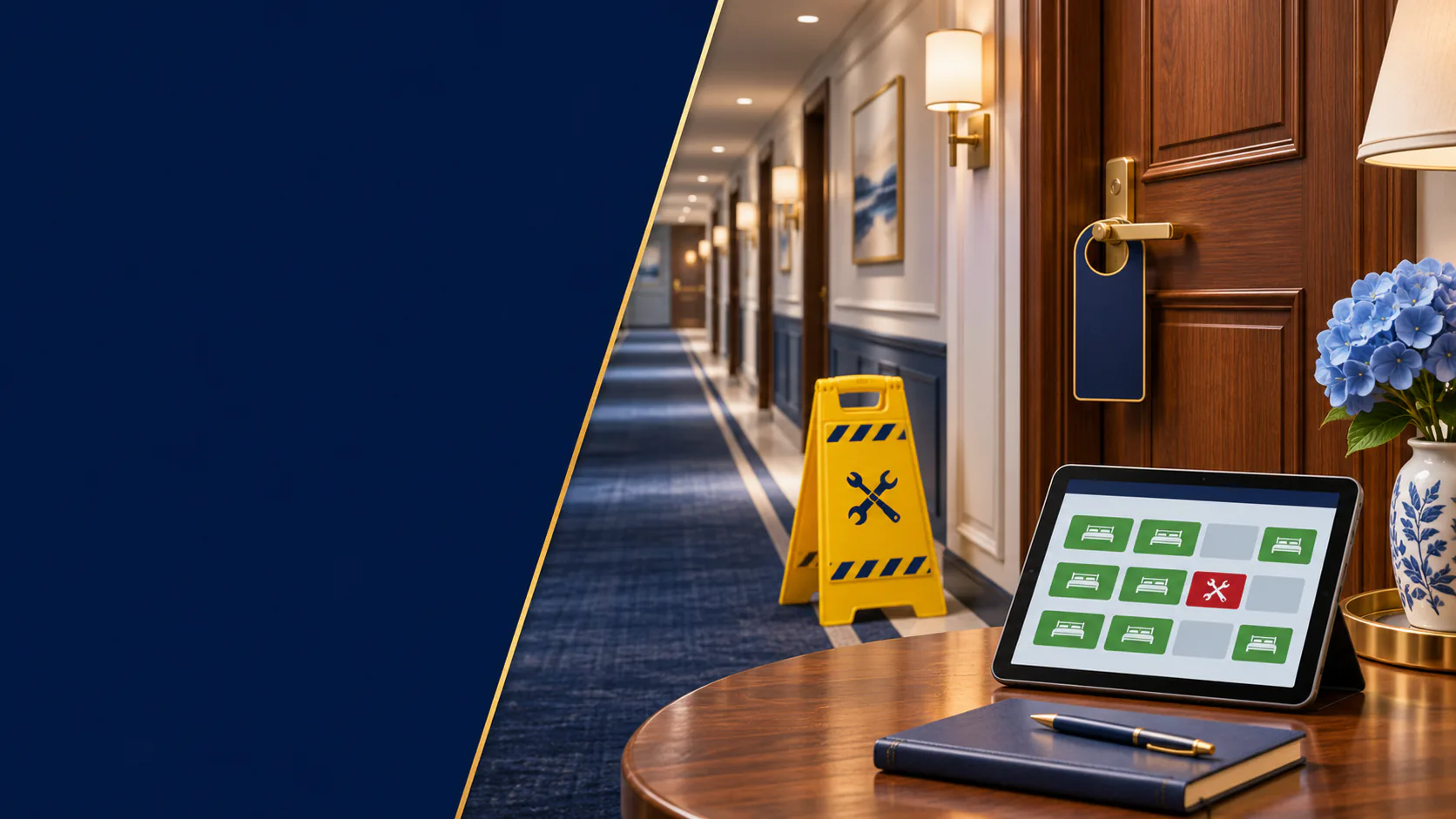
Connect the room-use decision, existing reservations and sales status. Repair completion is not automatically permission to sell again; verify acceptance and read back the relevant system state.
A sign on the door informs on-site staff, but a selling channel may still show availability. This guide proposes a coordination register for removing and restoring a room. It is not a repair manual, system-specific PMS procedure or safety judgement on behalf of a competent person.
Identify the affected unit and period
Record the physical room, connected selling units, reason for assessment, start and expected affected period. Distinguish estimates from confirmed dates. Where one physical room contains multiple selling units, the inventory owner must check the mapping rather than change only the first identifier mentioned.
Record the room-use decision-maker separately from the system editor. Permission to edit a calendar does not establish competence to certify physical safety.
Connect the physical and selling records
| Item | Responsibility to name | Evidence |
|---|---|---|
| Room-use assessment | Relevant authorised role | Decision and limits |
| Affected bookings | Reservation owner | Access-controlled review |
| System change | PMS or inventory operator | System and dates changed |
| Channel read-back | Distribution checker | Actual result and time |
| Owner and front-desk update | Coordinator | Acknowledgement and open items |
| Return to use | Acceptance checker and approver | Check and reopening decision |
Avoid placing unnecessary guest details in a widely shared register. Link to booking information inside the appropriately controlled system.
Check existing reservations
Identify in-house guests, arriving guests and relevant future reservations, then route them to the responsible person under the actual conditions. Changing availability does not necessarily resolve existing bookings or notify guests. One status change should not imply all work is finished.
Terms such as Out of Order can affect inventory and reporting differently across systems. Infor HMS work-order guidance illustrates this. Check the definitions and actual behaviour of your system before using them in sales decisions or reporting.
A fictional shared-room example
A shared room sells individual beds. When the room must be removed from use, identify every affected selling unit and its bookings, not just the bed identifier in the original fault report.
The coordinator updates reception and the owner according to their roles and records which channels have been checked. If a system has not been read back, keep verification pending and assign it. This is an invented scenario, not a Kines client's room or bed count.
Restore with two confirmations
First confirm the physical position: the relevant work has been accepted by an appropriate person, with cleanliness and readiness checked under the property's procedure. Then confirm the system position: the responsible operator changes the correct dates and verifies that affected units and channels reflect the intended status.
If repair is complete but acceptance is pending, keep that distinction. If the room is ready but distribution is not updated, keep a separate system action. Do not merge both into one undifferentiated pass.
Closure checklist
- Physical and selling units are identified to the extent verified.
- Someone owns the use decision.
- Existing bookings have been reviewed and routed.
- System state has a timed read-back.
- Relevant teams share the same information.
- Reopening has physical and system evidence.
- Unchecked items remain unverified.
Frequently asked questions
Is a PMS closure enough without checking channels?
Verify how the actual connection propagates the change. Do not assume all channels are connected or update at the same moment.
Can the room reopen when the technician says finished?
Follow the property's acceptance and readiness process first, then have the system owner act on the authorised decision.
Assign both sides of the handover
Bring the selling-unit map and unclear responsibilities to LINE OA @kines. Read the hotel management scope overview to organise questions.
Reference
Infor HMS: Using work orders is a system-specific illustration. The register is a Kines editorial proposal to adapt to actual roles and systems, not safety certification or a universal PMS procedure.
Assign room-closure responsibilities
Bring your room-closure register and unresolved handover steps when discussing management scope. Confirm the service scope for your property and needs with the team before deciding.