
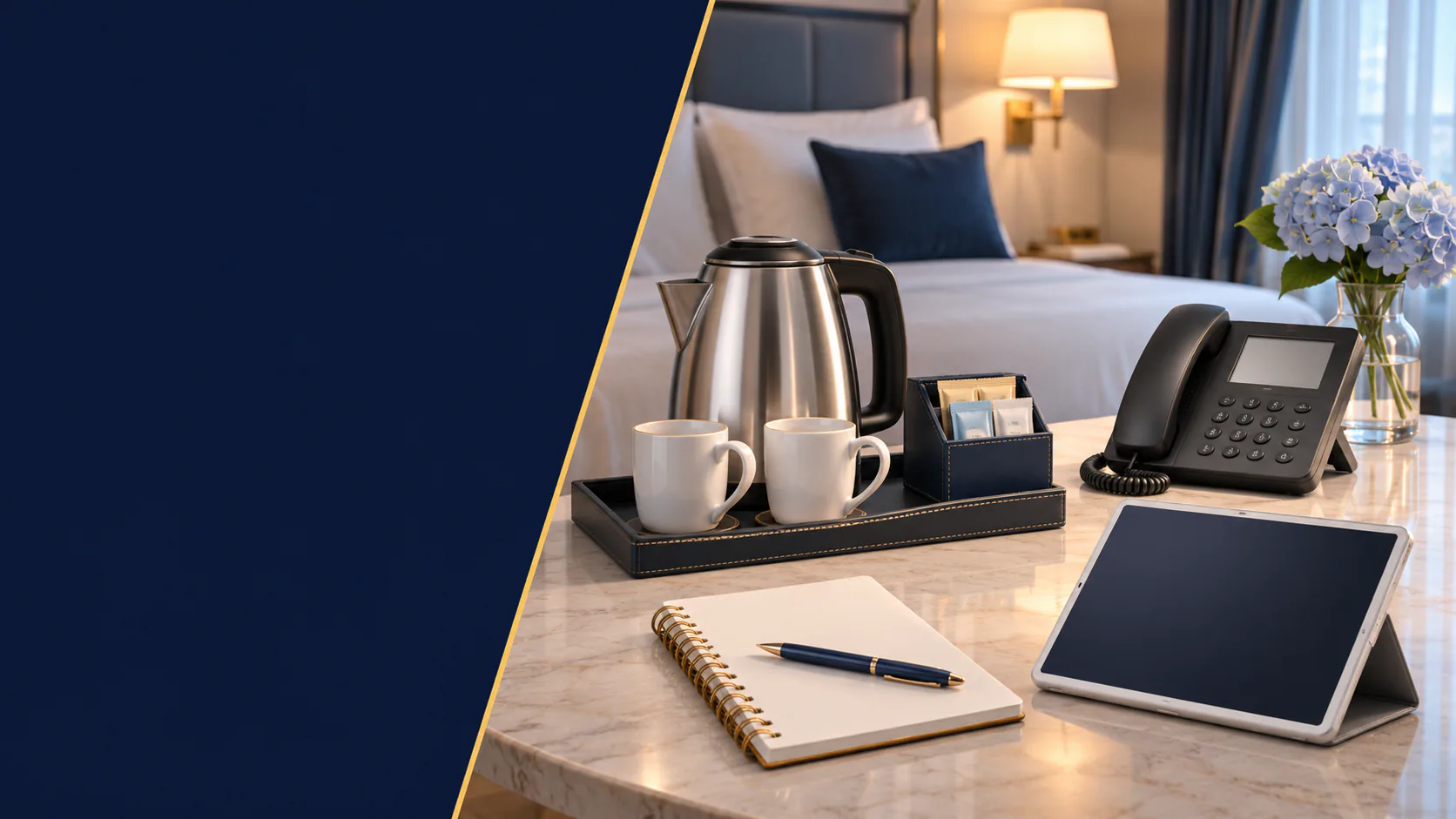
Select equipment guests actually use, verify its model and manufacturer guidance, then write short steps with matching photographs. Include when to stop and seek help. Do not invent repairs or copy a similar model's instructions.
A room guide need not be a long manual. Start with recurring questions that prevent normal use. This article explains how to prepare and verify guidance, not how to operate an unspecified device.
Start with guest questions, then choose what to explain
A useful guide begins with what a guest is trying to do, rather than a list of every appliance. Gather relevant front-desk and message questions over a period chosen by the team. Group them into starting an appliance, selecting a normal function and getting help when the expected result does not occur. Remove personal information before sharing examples. Question counts identify what to investigate; they do not by themselves prove an equipment fault or a guide problem.
Prioritise tasks needed for a stay, recurring questions and the consequence of a guest being unable to complete a task. Check room and model separately: similar-looking controls may differ. If the correct documentation is missing, follow up with the manufacturer or installer and offer a help route while it is checked instead of guessing the sequence.
Worked example: from two remotes to a tested card
Imagine guests repeatedly ask which remote controls the television. The team checks the actual model numbers and relevant documentation, photographs both remotes in that room and labels the equipment and the normal task supported by the manufacturer's instructions. It does not supply model-specific button names or steps from memory. A responsible checker compares the proposed words and image against the actual devices.
Invite someone other than the author to read the card where it will actually be placed and attempt the normal task with appropriate supervision. Observe where they hesitate or ask for help without immediately filling in missing instructions. Revise the wording or image and test again. If the expected result does not occur, the card directs the guest to the team; it does not ask them to open covers, touch wiring or repair equipment. A failed attempt may reflect a device or signal problem, so refer it for appropriate inspection rather than assuming wording alone is the cause.
| Field | What the team records |
|---|---|
| Room and model | Room number, make and model checked on the device |
| Guest task | One normal task and its expected result |
| Evidence | Correct model documentation, checker and date |
| Test | Actual card, points of confusion and revision |
| When it does not work | A help channel the team can actually answer |
| Replacement | Document owner, rooms affected and review date |
This card is a Kines editorial proposal. Instructions for an actual device require the correct model documentation and a property-level check. The U.S. CPSC advises following manufacturer instructions in its appliance safety guidance; it has not reviewed or endorsed the Kines card.
Different models, languages and access needs
When rooms have different models, identify the model and applicable location on each card rather than using one generic image that guests cannot distinguish. If a QR code is used, offer a way to read essential information without scanning, and keep administrator credentials out of public material. Check that both languages identify the same controls and stop points, not merely translated headings.
When equipment changes, the document owner removes outdated cards from every guest-facing location, checks the replacement against its own documentation and informs the team answering guests. Keep suitable internal version history. A scan count indicates that a guide was opened; it does not prove successful use. Review questions and test observations alongside it.
Write one action per step, match button names to the device and use a verified image for symbols. The translation must neither add actions nor omit conditions.
Before placing the guide
- Model and room match.
- The source is appropriate and checked.
- Images show the actual model.
- Both languages describe the same action.
- Stop and help routes are clear.
- No guessed repair steps or administrator details appear.
- Someone owns updates after replacement.
Frequently asked questions
Can online instructions be used?
Use an appropriate source matching the actual model. A similar-looking search result is not verification.
Must every feature be covered?
Focus on relevant normal guest tasks. Specialist upkeep belongs with the team; length alone does not make a guide useful.
Connect room guidance with arrival information
The pre-arrival message guide helps separate advance information from in-room instructions.
Ask LINE OA @kines about current Hotelpreneur details and format.
Conclusion and next step
A usable guide starts with a guest task, the correct model documentation and a test on the actual device. Choose one model that generates repeat questions and complete its control card before printing the next guide. If you want support with the property’s operating system, explore Kines accommodation management services and prepare your property details and unresolved issue for a suitability discussion. For current details, contact LINE OA @kines.
References
Prepared by the Kines editorial team.